Vibe Coding: Building by Describing
What if you could build a working app, tool, or game without knowing how to code, just by describing what you want? That is the idea behind vibe coding, one of the biggest shifts in how things get made with AI, and a vivid example of the AI agents you read about on the previous page.
What Is Vibe Coding?
The term was coined in February 2025 by computer scientist Andrej Karpathy, who described "a new kind of coding" where you "fully give in to the vibes" and "forget that the code even exists," because AI models have gotten good enough to write it for you. Instead of typing exact syntax, you describe what you want in plain language, the AI generates the code, you run it, and you refine it by simply asking for changes. The idea caught on fast: Collins Dictionary named "vibe coding" its Word of the Year for 2025.
Tools built for this (Cursor, Replit, and others) let people describe, preview, and tweak software in a chat-like flow. On some of these platforms, most users never write a single line of code by hand; the AI does the typing while the person steers.
A Common Use: Building a Game
Game development is one of the most popular places vibe coding shows up, and one of the clearest ways to see what it can and cannot do. With the right tools, a beginner can describe a simple game ("a 2D platformer where a cat dodges falling books") and watch a playable version appear, then refine it by asking for changes ("make the cat jump higher," "add a score counter").
People with no programming background have used this approach to build playable games in a matter of days. The best way to see what that really looks like, the exciting parts and the messy parts, is a real example.
The Upside and the Catch
What's genuinely great
- Creating is newly accessible: you can build something real without years of training.
- It is fast for prototyping and trying ideas.
- Used thoughtfully, it can be a way into coding, not just around it.
What to watch out for
- You can end up with code you do not understand, including bugs and security holes you cannot see.
- It often "works until it doesn't," and then you may not know how to fix it.
- Leaning on it to avoid learning is very different from using it to accelerate learning.
New Voices, New Stories
For most of gaming's and software's history, who got to build was gated by money, training, and industry access, so a lot of stories and ideas never got made. When the barrier drops, people the mainstream overlooked can build and share things it would never have greenlit. Josh is a small example: a beekeeper, not a studio, making the beekeeping game he wished existed. Two bigger ones:
- Plinq, a women's safety app. After a woman in Brazil was killed by a partner whose violent history was hidden, Sabrine Matos, a marketer with no software-engineering background, used a vibe-coding tool to build Plinq, an app that runs background checks and includes a panic button. It passed 15,000 users within two months of its 2025 launch, a problem big app makers had ignored, solved by someone from outside the industry.
- Te reo Māori, revitalized with AI. Te Hiku Media, a Māori collective in New Zealand, built an AI that understands their language with about 92% accuracy to help keep it alive. Crucially, they did it on their own terms: the voice data was contributed with consent and cared for under their Kaitiakitanga License, so any benefit flows back to Māori people, the opposite of scraping people's work without asking.
A few organizations widen who gets to make games at all, through mentorship, funding, and showcases (not AI specifically, but worth knowing): Code Coven (an accelerator and academy for marginalized game developers), GLAAD's Queer Emerging Developers, the Black Voices in Gaming showcase, and Women-Led Games.
The Ethics of AI-Made Assets
If you use AI to generate art, music, or characters for your project, the questions from Module 2 come right back. Many image and music models were trained on the work of human artists and musicians without their consent, and the copyright questions are still being worked out in court.
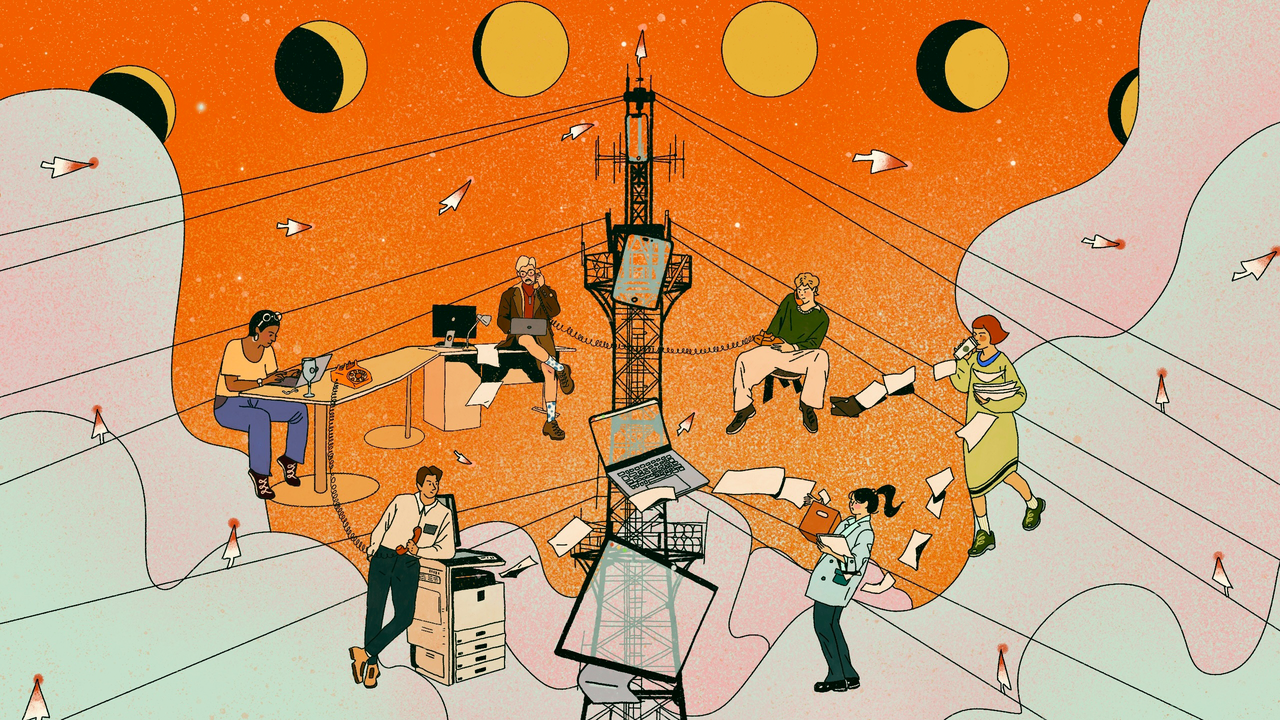
So here is a better default: do not reach for AI for every part of your build. A project is a chance to highlight real creators, not replace them. If you need a banner image, a sound effect, or background music, first look for openly licensed work you are allowed to use, then credit the creator clearly and often, the same way this course credits its banner artists on every page. Good places to start include Openverse (Creative Commons image and audio search), Wikimedia Commons, and the Free Music Archive, and your librarians can point you to more.
Reaching for human-made, openly licensed work first is not only more ethical, it is often easier, higher quality, and far less wasteful: as the environment discussion in Module 2 noted, every AI generation uses real energy and water. Why spend that to recreate something a person has already made and shared?
Whatever you make, before you publish or share it:
- Prefer openly licensed or original work, and credit the creators clearly and often.
- Check the tool's license for anything you do generate. What does it actually allow you to do?
- Give credit and be honest about what was AI-generated, especially for school or public work.
- Consider ethical sources. Some tools, like the ethically trained image generators noted in the toolbox, avoid using artists' work without permission.
Vibe Coding Responsibly
- Use it to learn, not just to produce. If you do not code yet, treat each project as a lesson: ask the AI to explain what it wrote in plain language, line by line, and to teach you the basics as you go. Even a little real coding knowledge makes you far better at spotting when something is wrong, and vibe coding can be a doorway into coding, not just around it.
- Read what you can. Even if you cannot write the code yet, try to follow what each part does, and ask the AI to explain anything you do not.
- A finished-looking screen is not a finished app. These tools are great at producing a polished interface, buttons, menus, a nice layout, that is not actually wired up underneath. The classic mix-up: someone says "I built an awesome site!" and shares a file path from their own computer, not realizing a built page is not a live, published one, and a pretty button does nothing until the logic behind it actually works. Test that it truly does what it looks like it does, and that it is genuinely published, before you call it done.
- Do not publish what you do not understand. A project you cannot explain is one you cannot maintain or trust.
- Never paste private information. Keep passwords, logins, and personal details out of your prompts and out of any code you share.
- Keep a human checkpoint. Test before you publish, and do not give a tool broad access to anything important.
From Idea to Published, in Plain Terms
You do not need to be a programmer to picture the whole path. Going from an idea to something other people can actually use usually looks like this:
- Describe it clearly. Spell out what you want, the pages, the look, what each part should do. The more specific, the better, this is the real skill.
- Generate a first version. Have the AI turn your description into a working draft, then run it and see what you actually got.
- Refine and check. Ask for changes in plain language, and confirm it truly works, remember a finished-looking screen is not a working app.
- Publish it so it is live for other people, not just a file sitting on your own computer.
- Do it responsibly. Credit your sources, keep passwords and personal information out of it, and be honest that AI helped.
That is the whole shape of it. You can practice the early steps in the activity below, and build from there at your own pace.
Explore It Yourself
Optional activity: want to try this yourself? In this module's discussion activity, you can build a small app, tool, or game with a vibe-coding tool and share what you made, or, if you would rather not create with AI, evaluate and respond to what your classmates built. Either way, you will practice the real skill: describing clearly, judging the result, and crediting your sources. See the discussion for full instructions.
Knowledge Check
Select an answer to see feedback. Each option explains why it is or is not correct.
Question 1 of 3
What is "vibe coding"?
Question 2 of 3
What is the biggest risk of vibe coding for a beginner?
Question 3 of 3
If you use AI to generate art or music for your game, what should you keep in mind?